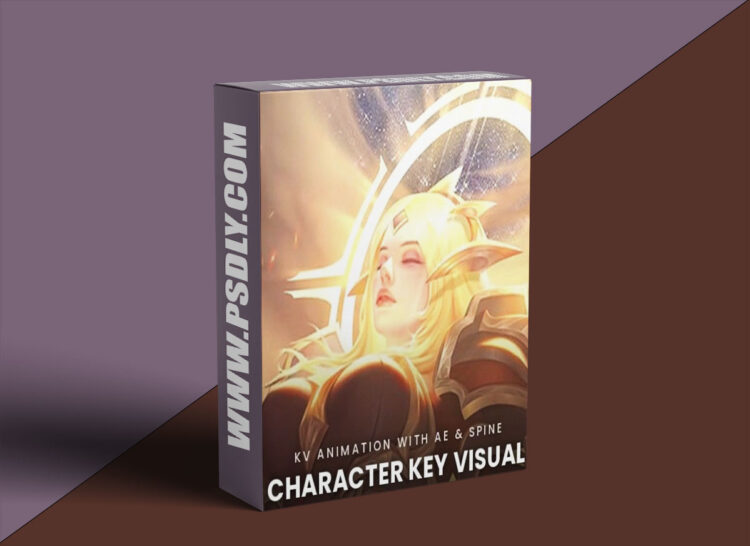
Animated key visuals have become the standard for MOBA and card game promotion, from opening credits and login screens to animated backgrounds. This Wingfox course walks you through producing them step by step. Starting with what a key visual is, you analyze the atmosphere of an illustration and separate the character, hair and scenery into clean layers, then rig and animate the main character, her flowing hair and a small figure in After Effects. Particle plugins add lava, flames, clouds, smoke and light beams, while 3D layers and cameras bring depth to the scene and a character entrance sequence finishes the first project. The second project moves into Spine, covering bones, skinning, mesh deformation and face, eye and hair rigging for an idle portrait animation, before building an Element 3D scene in After Effects with depth of field, chain and hand effects, fog and a looping final export.