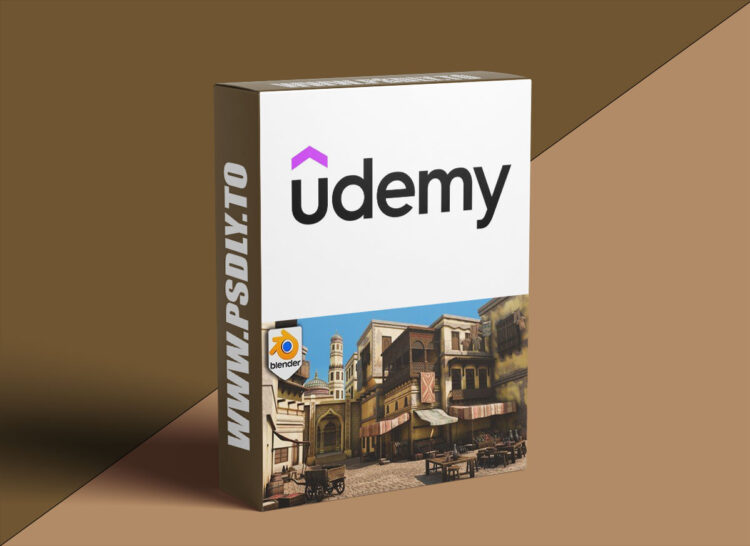
Your Blender scenes do not need to stay trapped in the “nice props, empty world” stage. This Udemy course shows you how to build a complete stylized Arabian market environment from simple blockout shapes into a finished 3D scene packed with warm architecture, market props, fabric, materials, lighting, and final render polish.
If you have ever built a few decent-looking assets in Blender and then wondered why the full environment still feels flat, empty, or suspiciously cube-shaped, this project is designed to make the full workflow click. You will start with the essentials: navigation, transforms, edit mode tools, snapping, bevels, arrays, booleans, and clean modelling habits. From there, you will build Arabian-inspired architecture including arches, domes, towers, balconies, trims, pillars, doors, windows, wooden details, and decorative features.
Once the buildings are in place, you will bring the market to life with props and set dressing: crates, barrels, pots, plates, carpets, rugs, food displays, clothes rails, chairs, tables, fabric piles, canopy pieces, and a detailed wheelbarrow. You will then work with PBR materials, texture atlases, trim sheets, vertex paint, UV workflows, and final Cycles lighting to create a warm stylized render.






