Source
https://assetstore.unity.com/packages/tools/visual-scripting/time-rewind-303828
Category
File Size
9.9 MB
Publisher
Intelligent Labs
Updated
December 15, 2025
Description
Key Features:
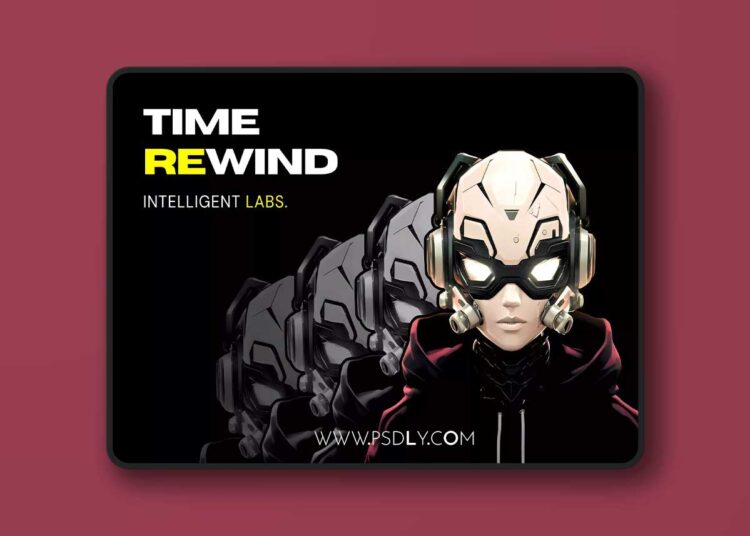
- Smooth Scene Rewind: Rewind the entire scene of your gamen with smooth, natural transitions.
- Selected Object/s Rewind: Rewind selected objects, providing flexibility to suit different game scenarios.
- Playback Speed Control: Including 4 playback speeds: Slow Motion (50%), Normal Speed (100%), Fast (150%), and Sper Fast (200%).
- Pause Scene After Rewind (Optional): Pause the scene for a defined duration after rewinding is complete allowing players to prepare for the next action.
- Key-Triggered Rewind: Trigger the rewind action by holding down a customizable key (default: “R”). Works also for controllers.
- Smooth Camera Motion (Optional): Cinematic, smooth camera motion following the assiened target game object during the rewind process.
- Full Inspector Integration: Easily adjust parameters like record time, rewind duration, playback speed, and camera behavior directly in the Inspector.
- Flexible Settings: Fully configurable through the Unity Inspector for easy setup and customization.
- Seamless Integration: No need for additional setup. Just attach to your game objects and start using the features immediately.
- Optimized for both Desktop & Mobile Games: Built with performance in mind, perfect for mobile game development.
Preview
2 images 1 / 2

2 / 2

Download File
![Yellow Parrot Restaurant ( Restaurant Cafe Pub Diner Bar Dining Kitchen Parrot ) [5.2 – 5.8]](https://www.psdly.site/wp-content/uploads/2026/10/Yellow-Parrot-Restaurant-Restaurant-Cafe-Pub-Diner-Bar-Dining-Kitchen-Parrot-5.2-–-5.8-350x250.jpg "Yellow Parrot Restaurant ( Restaurant Cafe Pub Diner Bar Dining Kitchen Parrot ) [5.2 – 5.8] 4")