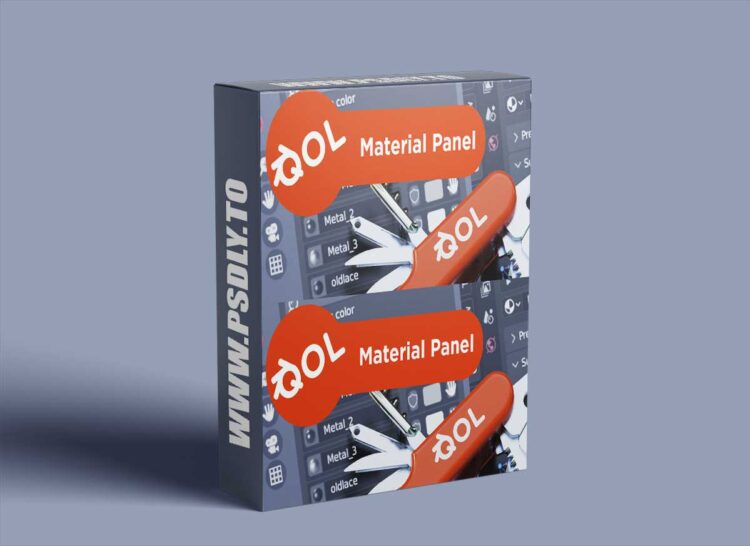
The Materials Panel is an elegant complement to Blenders standard materials features, adding an overview of all available materials and a range of user-friendly utilities. The QOL range of tools are designed to be intuitive and unobtrusive. To give you access to “every day useage” features in a minimal footprint. The Materials Panel is (to date) the largest of the QOL tools, with a comprehensive range of tools, but in an elegant fashion.
Updates!
Version 1.1.7 now includes:
• “Used in selection” indicator. The “hand” button has a different appearance now, displayed as a hollow or filled circle. This shows an immediate indication of which materials the current object(s) are using! While visually acting as a usage indicator, it still performs the same function of selecting all objects with the material.
• Duplicate material. CTRL-Clicking the shaderball of any material makes an instant duplicate for adding variations.
• Filter. Scenes populated by great numbers of materials no longer require looking for the material in question.