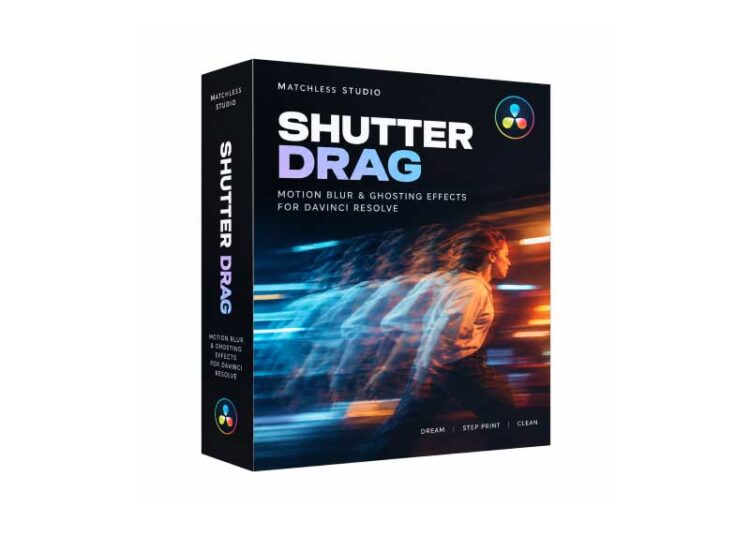
Shutter Drag for DaVinci Resolve is a creative visual effects tool designed to help video editors create expressive motion blur, directional smears, and dynamic movement in their footage. It offers a way to add artistic motion effects to video projects, making fast-paced sequences more energetic and visually engaging.
Whether you’re editing music videos, cinematic montages, action sequences, advertisements, or social media content, Shutter Drag can help you explore creative ways to transform movement into a distinctive visual style.
- Creative Motion Blur: Enhance moving subjects with stylized blur and motion-inspired effects.
- Directional Smear Effects: Create expressive streaks and smears that emphasize movement and speed.
- Dynamic Video Editing: Add visual energy to transitions, action shots, and fast-moving sequences.
- Cinematic Visual Style: Experiment with artistic motion treatments for professional-looking video projects.
- Creative Flexibility: Explore different looks to match the mood and style of your footage.
- Efficient Editing Workflow: Add creative motion effects without relying entirely on complex manual compositing techniques.
Shutter Drag is intended for video editors, filmmakers, motion designers, and content creators who want to experiment with stylized movement in their projects. It can be useful for music videos, sports edits, promotional videos, cinematic sequences, commercials, and social media content.
DaVinci Resolve users can incorporate creative motion treatments into their editing workflow, subject to the product’s supported integration method and compatibility requirements.
Traditional motion blur can sometimes look too subtle or predictable for projects that require a more artistic appearance. Shutter Drag focuses on creative motion effects, giving editors another way to emphasize movement and build a distinctive visual identity.
From energetic action sequences to experimental transitions, these effects can help make footage feel more expressive and dynamic. The results can be adapted to different editing styles, depending on the source footage and the intended look.
Shutter Drag for DaVinci Resolve is worth exploring for editors who want to expand their creative effects toolkit and experiment with motion-based visual treatments. It offers inspiration for producing dynamic footage, stylized transitions, and eye-catching sequences.
Before installation, verify the official product documentation for DaVinci Resolve compatibility, supported versions, and installation requirements.






