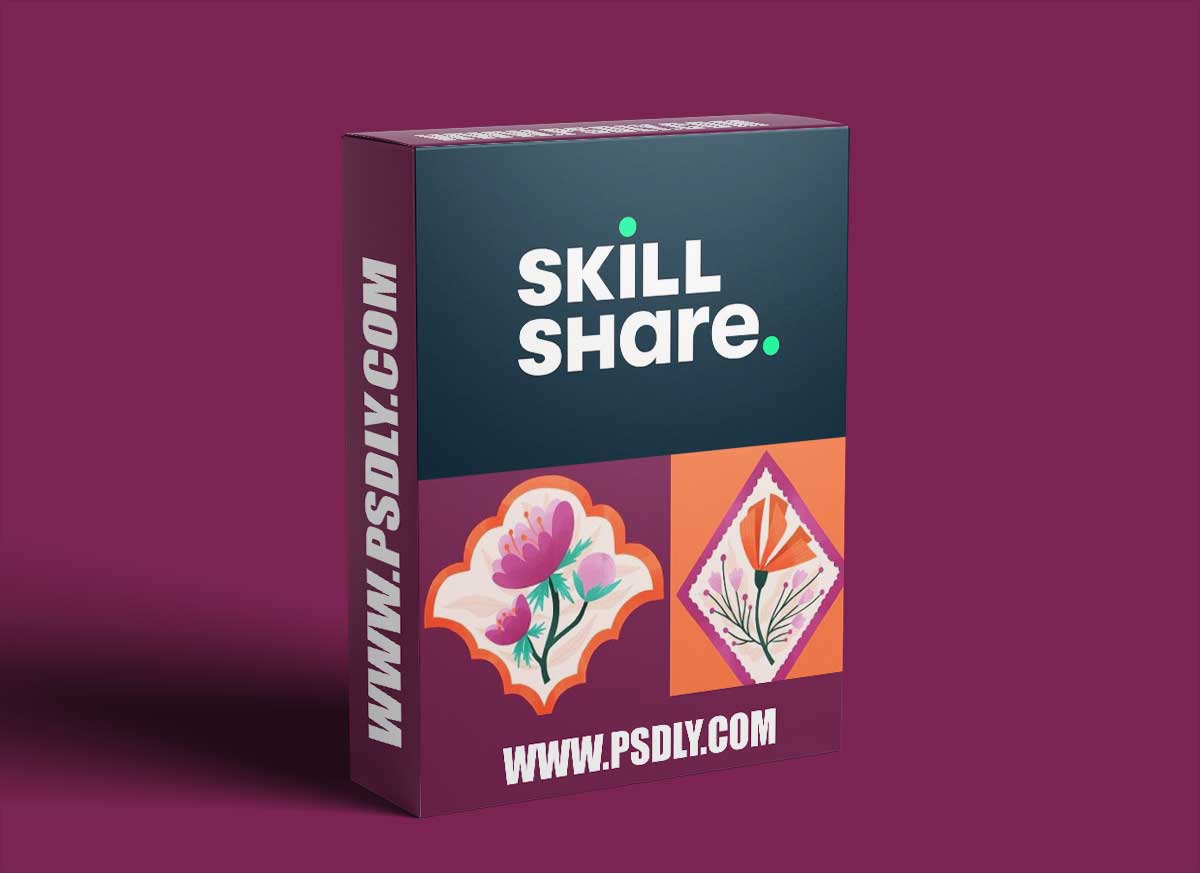
Scallop and Diamond Patterns in Procreate is a great class for all pattern lovers to learn how to create these seemingly complex patterns in a simple and easy way. In this class I will be taking you through my entire process in real time how to create a scallop pattern and a diamond pattern so that they seamlessly repeat in Procreate and finishing in Photoshop.
WHO IS THIS COURSE FOR?:
All illustrators, artists or surface designers of begginner level who have a good grasp of the digital program Procreate and Photoshop. I will not be showing you how to develop an illustration or how to use the tools in Procreate just how to create a scallop and diamond patterns. But you will follow along my entire process.
Supplies you will need to create the class project:
- Preferably Procreate with the iPad and apple pencil (to follow along exactly as I do.) Otherwise any other drawing tablet and similar drawing program such as Photoshop or Affinity.
- And Photoshop to finalize the pattern.
WHAT YOU’LL LEARN:
In this class I will be sharing my process for creating a scallop and a diamond pattern from start to finish.
We will cover the following:
- What a geometric pattern is and why they are great to include in your collections.
- Examples from my portfolio.
- Inspiration for ideas that you can use to make your own scallop and diamond patterns.
- How to build out your geometric shape so that it repeats seamlessly.
- My process for finalizing a scallop and diamond pattern.
- Along the way I also share many tips and tricks with in Procreate and Surface Design in general.






