Source
https://blendermarket.com/products/round-inset
Category
File Size
5 kb
Publisher
blendermarket
Updated
July 14, 2023
Description
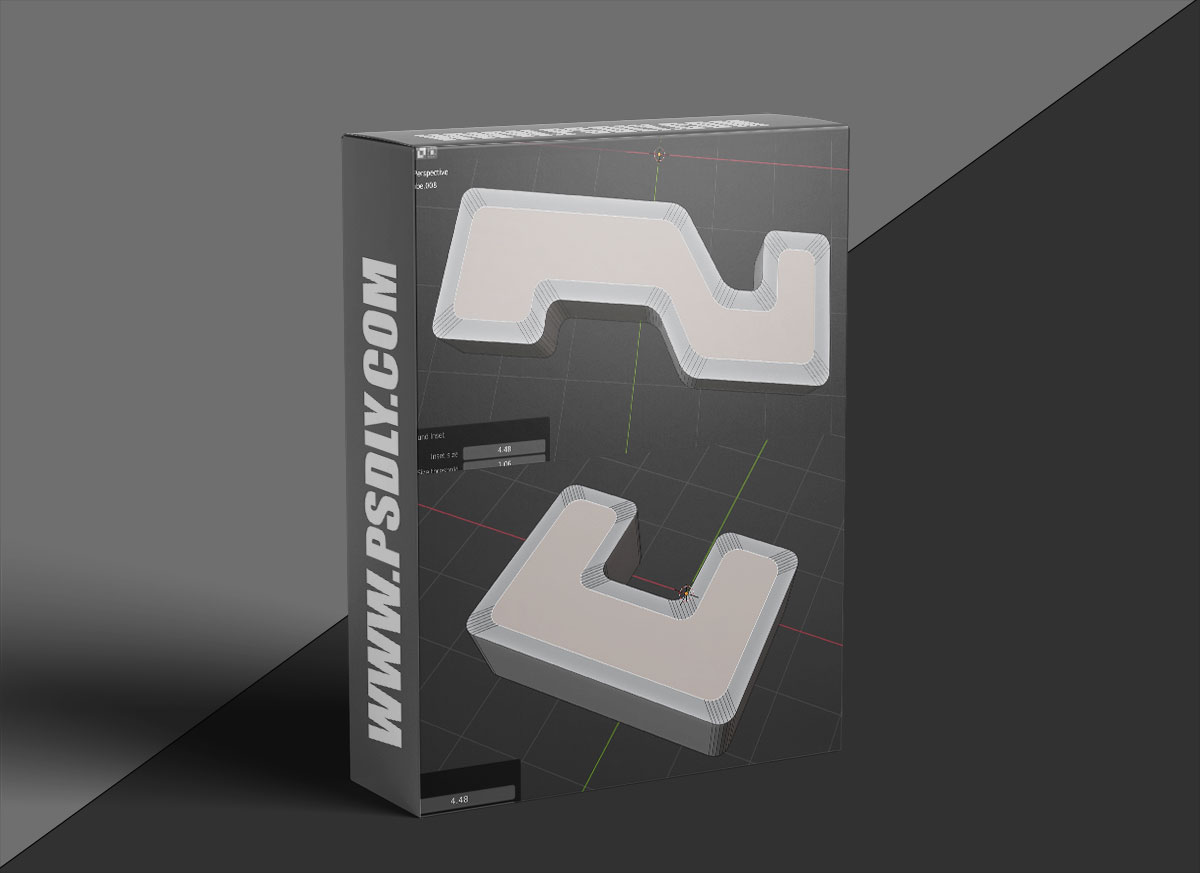
You can define the corners to be kept by setting a threshold value (on the Left-bottom menu). The tool will inset the face with original corner shapes. You can also use the Scaling setting to fine-tune the result. It can then use bevel to create nice round surface.
Another important ability of this tool is creating inset without corners overlapping. It works for any faces. For faces without round corners, just use the tool and set the “Threshold” parameter to zero.
Version 2.1.1
- Fixed a mistake for installation
Version 2.1.0
- Added the Merge option for merging collapsed vertices
Version 2.0.0, 2.0.1
- Added “Prevent overlap” option! It will try to protect the corners from overlapping.
This feature works for “normal” face too (faces without any “round corner”).
Version 1.1.0
- Added scaling option for corners. Now you can change the shape of corners easily.
Preview
2 images 1 / 2

2 / 2

Download File





