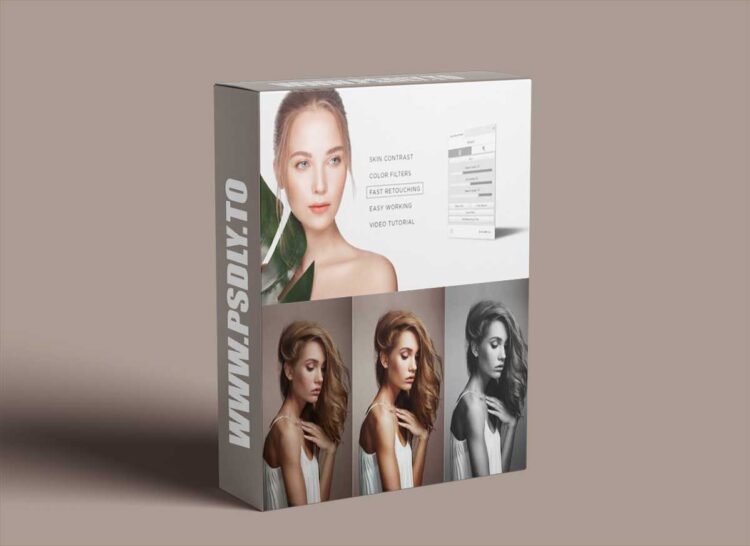
Description
INSTALLATION INSTRUCTION:
1. Run Creative Cloud Application
2. Enable synchronization of files
3. Restart your Photoshop after installation
4. Open your Photoshop and go to Window->Extensions->Free Retouch Panel for launching the panel.
5. Restart your computer If you didn’t see the panel in your Photoshop.
Preview
1 image
Download File





