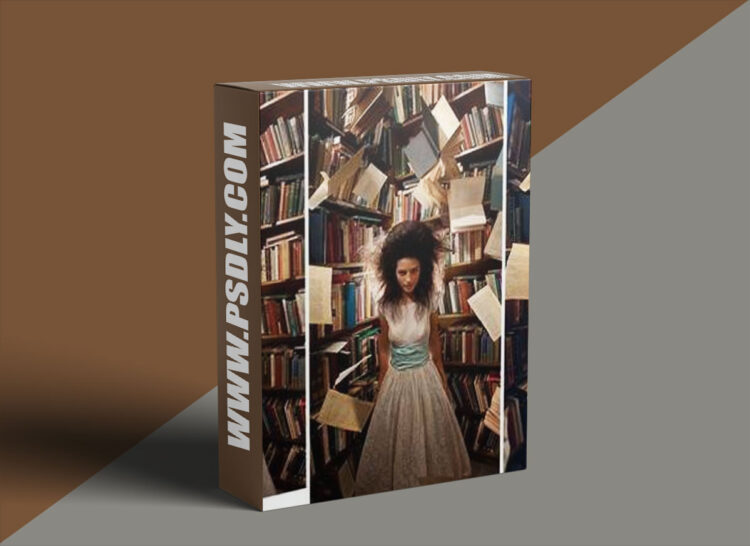
Source
https://phlearn.com/tutorial/photoshop-compositing-special-effects
Category
File Size
3 GB
Publisher
phlearn
Updated
October 05, 2026
Description
Learn how to blend multiple images together and start compositing special effects into amazing scenes. Follow along as we create two imaginative images, compositing multiple photos together, matching color and light, and much more!
- 01 – The Beginners Guide to Compositing
- 02 – Introduction to Compositing in Photoshop, Planning the Floating Books Photo
- 03 – Floating Books: How to Composite Books from Multiple Images into One Photo
- 04 – Floating Books: How to Color and Retouch a Fantasy Portrait
- 05 – Introduction to Compositing in Photoshop, Planning the Going Home Photo
- 06 – Going Home: How to Composite a Person Underground in Photoshop
- 07 – Going Home: How to Color Match a Composite and Change a Sky in Photoshop
- 08 – Going Home: How to Color and Retouch a Fantasy Composite Photo
- 09 – How to Light Multiple Photos Consistently for a Seamless Composite
- 10 – Ultimate Guide to Cutting Things Out with the Pen Tool
Preview
1 image
Download File





