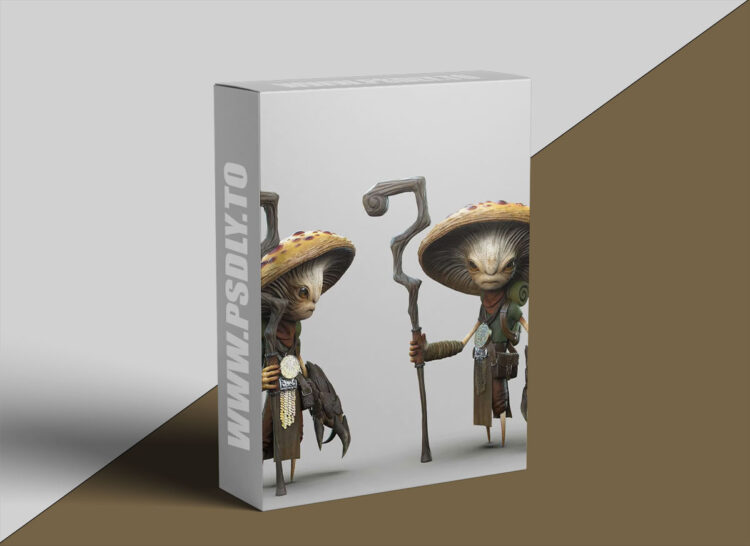
The Fundamentals: This first module is all about the most basic but crucial concepts in ZBrush like the Pixol. Mastering this first step will allow you to get a deep understanding of how and WHY some tools work the way they do in ZBrush! Module 2: Blocking and Design: This module is all about setting our project for success. We’ll focus on techniques that will allow you to create a good-looking 3D base that we can later turn into a polished sculpture! Module 3: Sculpting: This module is where we’ll dive deeper into some of the most powerful features in Module 4: In this module, will depart from the more ‘sketchy’ sculpting methods to focus on a more controlled approach that will allow you to produce clean base meshes for your objects. Module 5: Topology and Polish: At this point in the course, we should have a great sketch in 3D.
In this module, we’ll focus on polishing the surfaces and turn the sketch into a refined asset with clean volumes. Module 6: Detailing and Refinements: Now that we have a set of polished meshes with clean topology, we’ll start to take Additional detailing features: In this module, we are going to tackle some additional techniques for detailing different types of objects and we’ll take a look at some processes that can be used in a variety of ways later on.
Module Bonus 1: Polypaint: In this bonus module, I will cover the core principles of Polypaint, its capabilities, and the entire workflow to create an interesting texture all within ZBrush. Module Bonus 2: Posing and Rendering: In the second bonus module, I’m going to demystify the process of posing characters Working with FiberMesh: In the final bonus module of the course, we are going to take a look at the FiberMesh feature in ZBrush, how to create different fibers, and how to work with it (grooming). Module Bonus 4: Additional Features (from live Q&A): This bonus module is an archive of the Live Q&A Sessions discussing additional ZBrush






