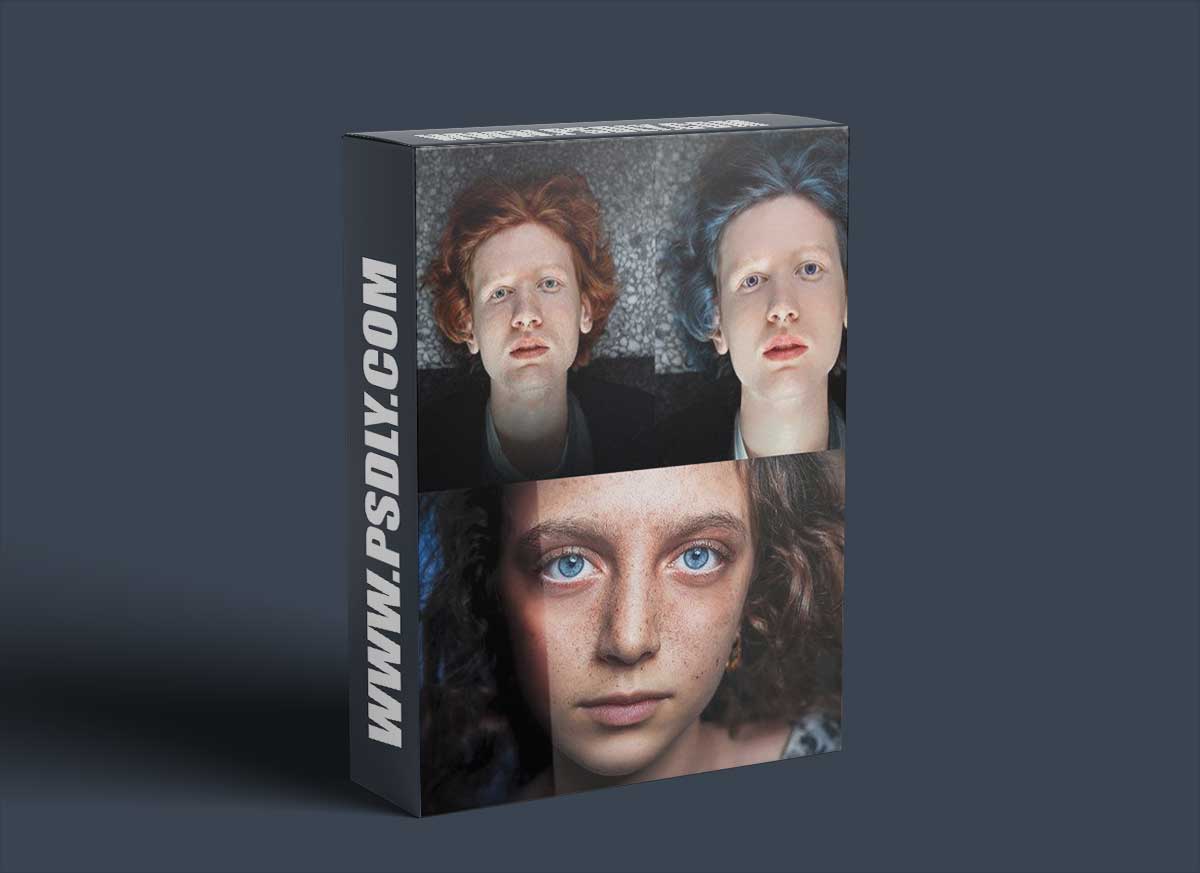
Learn an industry Standard workflow of Photoshop Retouching Images, Face, Skin for Fashion and Commercial use
In this class, i will teach you basic techniques and process of Professional Skin Retouching & Portrait Editing, its use in different projects, and a streamlined workflow for Editing portraits for Fashion brands and Commercial use
Programs needed: Adobe Photoshop
The skill required: Beginner & intermediate photoshop skills
What You’ll Learn In this class I am revealing my secret of professional skin retouching and face editing for commercial and artistic purposes. I created a very easy technique of Face Retouching to get realistic Look in photoshop, without any professional skill requirements, the class is divided into a few parts from the introduction – Skin Retouching – Smooth Skin – Pimple Removing – Eye color – Hair color – Face modification – Speedup Action –
Throughout the course, you’ll learn how to use a variety of tools and techniques in Photoshop to retouch faces and skin,
We’ll cover topics such as:
- Removing blemishes, wrinkles, and other imperfections
- Smoothing skin Retouching without losing detail
- Whitening teeth and eyes
- Enhancing eyes, lips, and other features
- Working with different skin tones
- Creating a natural and polished final result
- Professional Skin Retouching workflow
- Retouching Action
- Face Modifications
- Hair Color change
- Eye Color Change
- Face Skin tone
By the end of the course, you’ll have the knowledge and skills to create professional-quality retouching on your own, you’ll have enough Photo Editing skills you can use for any number of projects, such as Photography exhibits, posters, album arts, and commercial use






