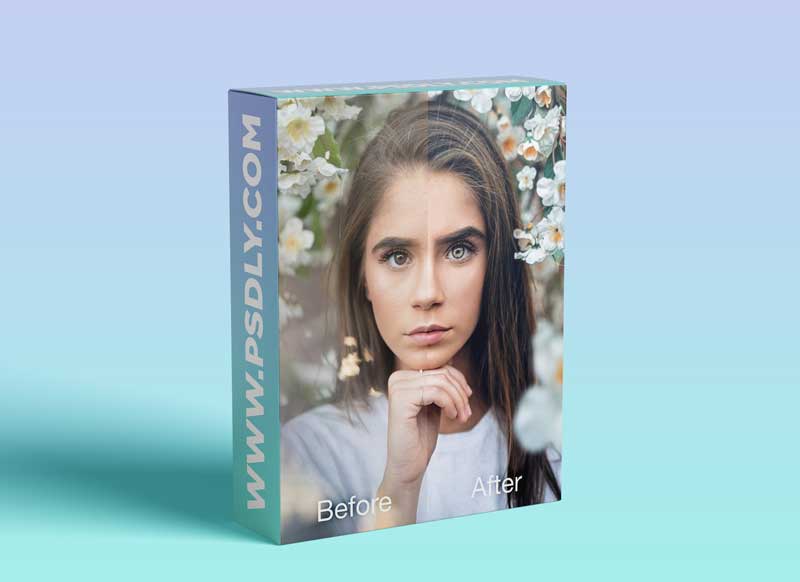
In this tutorial, we are going to run through my entire editing process from import to export. I will focus on explaining the thought process behind the various stages of my edit, not just running through them, because I want to give you the tools to create your own unique style, not just replicate mine.
Included with this download: – The full 2:33h editing tutorial – The RAW file of this image – Photoshop actions for frequency separation, global d&b, color contrast curve, high pass sharpen, and Instagram compression (to use go to Photoshop > Actions > Menu > Load Actions)
Source
https://jonsnip.com/item/jon-snip-editing-tutorial
Category
File Size
2.5 GB
Publisher
jonsnip
Updated
july,08, 2021
Preview
1 image
Download File





