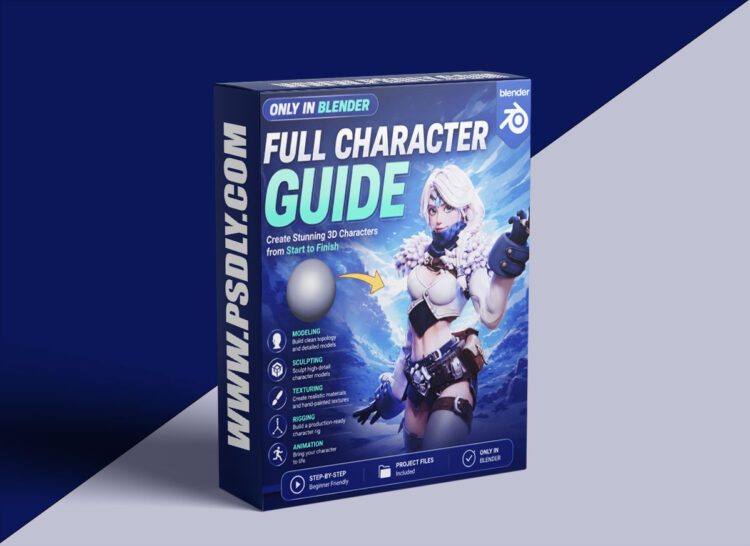
The entire character creation process is completed solely using Blender! No need to switch to any other tools. Every operation—from sculpting to retopology, UV unwrapping, texture baking & painting, rigging & posing, to final rendering & compositing—is performed within Blender. This not only simplifies the workflow but also enables you to fully master Blender’s powerful capabilities.
Part One: 7 Complete Workflow Videos-Total 30+ hours
Each video meticulously demonstrates key production stages, ensuring you can systematically learn and practice every step of character creation:
Sculpting
Based on the MACHIN3tools plugin, start from a basic sphere and gradually sculpt the character’s facial features, body contours, clothing, and other accessory details.
Retopology
Optimize the model’s polygon count and flow by retopologizing, ensuring a well-structured model that lays a solid foundation for subsequent rigging and animation.
UV Unwrapping
Utilize Blender’s built-in zenUV plugin to efficiently unwrap the UV layout, providing the best foundation for texture painting.
Texture Baking & Painting
Use the simple bake plugin to transfer high-poly details onto the low-poly model, significantly enhancing texture fidelity; then, employ the UcuPaint plugin to create rich, detailed texture layers for the character.
Rigging & Posing
With the autorig pro plugin, add bones and automatically bind weights to easily pose the character and ensure smooth, natural movements.
Rendering & Compositing
Utilize the Cycles renderer for lighting and rendering, followed by simple compositing using Blender’s built-in compositor to deliver the final, exquisite visual result.






