Source
https://www.skillshare.com/classes/Graphic-Design-In-PowerPoint-Trending-Icon-Design/980432928
Category
File Size
118 MB
Publisher
skillshare
Updated
March 16, 2022
Description
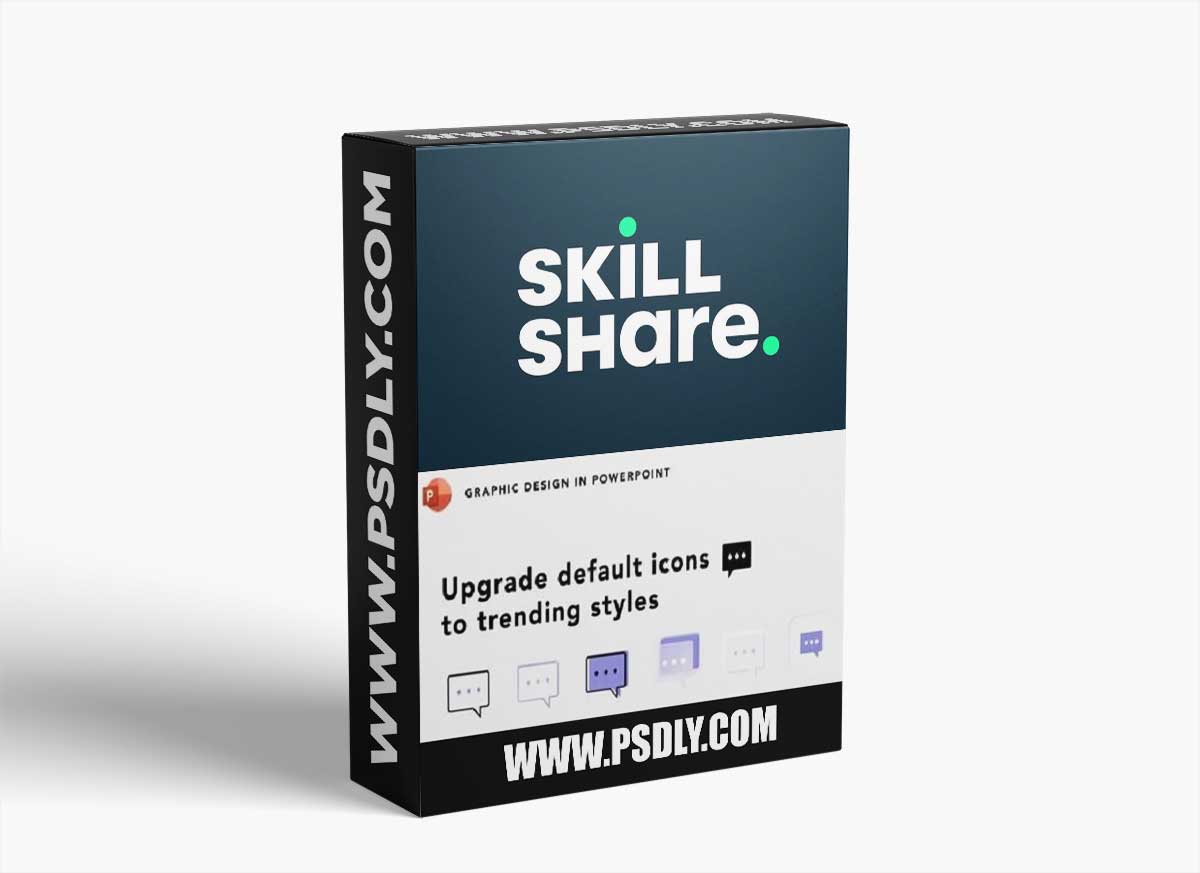
This class will teach you how to create trending icons using default ones from Microsoft 365 step by step.
You will learn how to create the following 6 styles
Outline, Gradient, Duotone, Glass morphism, Emboss, and Neumorphism.
This class is great for anyone who wants to upgrade the look of their PPTs.
No prior knowledge is required. All levels are welcomed!
Preview
1 image
Download File





