Source
https://faizalwestcott.com/store/p/analog-pack-30-for-capture-one
Category
File Size
10 KB
Publisher
faizalwestcott
Updated
August 22, 2026
Description
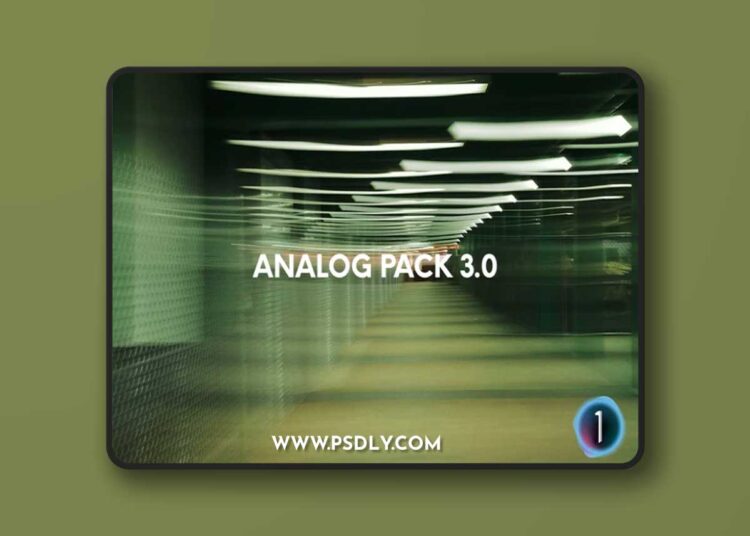
Analog Pack 3.0 is the third iteration of my film inspired color grading for digital images and made exclusively for Capture One. There are 6 included styles designed specifically for Fujifilm cameras, utilizing their film simulation picture profiles.
Important Notes:
- These presets are for Capture One 21, 22, & 23
- These will work best on properly exposed raw images
- These presets are meant to be a starting point to your editing process (see how to use for editing tips with these presets)
- These presets are “inspired” by film and not necessarily supposed to replicate a certain film stock
- This Preset is Non Refundable. Anyone caught trying to resell this will be prosecuted.
- How to Use these Presets
- Start with adjusting the exposure (exposure is purposely high on all presets to encourage you to get adjust exposure to the right level) – think of it as an intensity level.
- Make any necessary adjustments to white balance
- Depending on how well you exposed your image, you might want adjust the contrast in the luma tone curve to your liking
How to Install:
- Make sure Capture one is closed
- Open the Capture one Styles folder within the application directory
- Download and extract the styles
- Copy and paste into the Capture One Styles folder
- Open or restart. Styles should appear in your custom styles
Preview
4 images 1 / 4

2 / 4

3 / 4

4 / 4

Download File