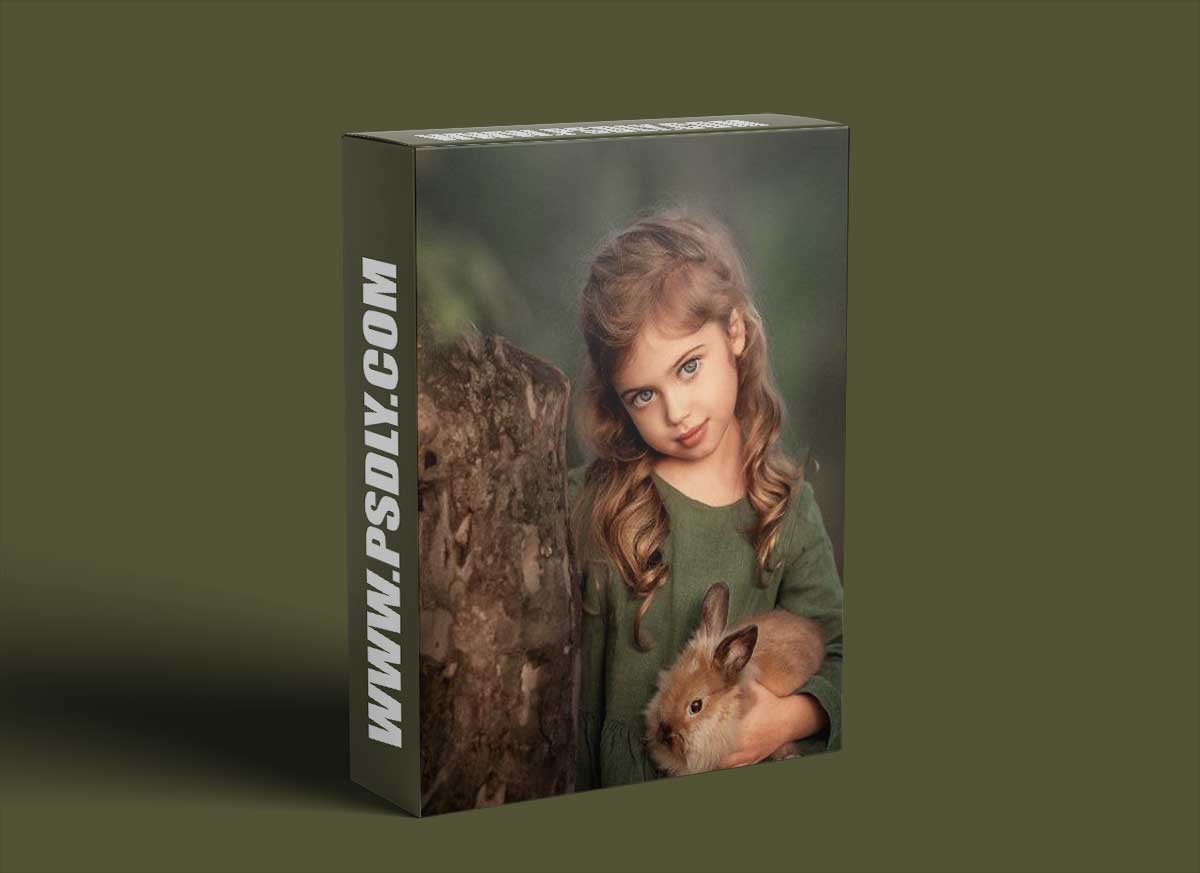
Source
https://eng.lena-photo.ru
Category
File Size
1.6 GB
Publisher
eng.lena-photo
Updated
August 22, 2023
Description
- Conversion from RAW in Adobe Camera RAW. Qualitative basic correction.We will gradually go through all the tabs: basic, calibration, detail, effects, lens correction, HSL adjustments, split toning.This will show what artistic tricks we can use when developing a RAW file.
- Correct cropping and transformation of a photograph. Frames merging.
- Work with plasticity of faces and bodies. Correction of defects. Nuances of work.
- Work with backgrounds. Deleting extraneous content. Different types of blurring.
- Retouching skin. Skin fast processing (multiple options). Peculiarities of child and adult retouching.
- Work with a skin tone (few options). Skin tone equalization.
- Methods of adding contrast (few options).
- Draw a light and shade pattern (few methods).
- Work with the overall color scheme of a photograph (few options).
- How to get lush, clean colors.
- Work with plug-ins. Helper filters that I use. Explore their settings.
- Actions: learning about recording and setting the basic ones. Hot keys for easy work.
- Enhance artistry, volume, and space in a photo. Make your picture look more airy.
- How to reduce noise in a photo (multiple ways).
- Sharpening (multiple ways).
- Blending modes. Working with layers and masks.
- Work in curves.
- Matt toning. When is it appropriate?
- My secrets and “tricks” that greatly speed up the processing.
- Preparation for printing.
- Preparation for posting on the Internet.
- Complete scheme of photo processing.
The programs in which the training will take place: Adobe Camera RAW; Adobe Photoshop.
Preview
1 image
Download File





