
Source
https://www.skillshare.com/en/classes/Draw-an-Ornament-in-Adobe-Illustrator-Pen-tool-Custom-Brushes-and-Shapes/1495749620
Category
File Size
198 MB
Publisher
skillshare
Updated
February 17, 2024
Description
Class Overview: For this ornamental design, we will use a variety of Adobe Illustrator techniques creating a tapered brush, working with the Shape Builder tool, duplicating shapes with the Transform effect, creating spikes with the Zig Zag effect, adding Live corners, and understanding how to use Adobe Illustrator creatively for your own projects.
What you will learn:
- How to create a custom tapered brush.
- How to draw curved paths with Pen tool in Adobe Illustrator.
- How to join paths together.
- How to use the Shape Builder tool.
- How to duplicate paths using the Transform effect.
- Using the Zig Zag effect.
- How to create live corners.
- How to create dashed lines.
- How to create arrows.
Preview
1 image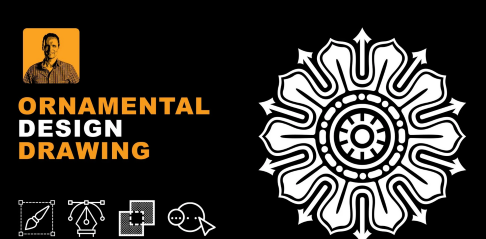
Download File





