Source
https://machin3.gumroad.com/l/CURVEmachine
Category
File Size
162 kb
Publisher
machin3
Updated
July 14, 2023
Description
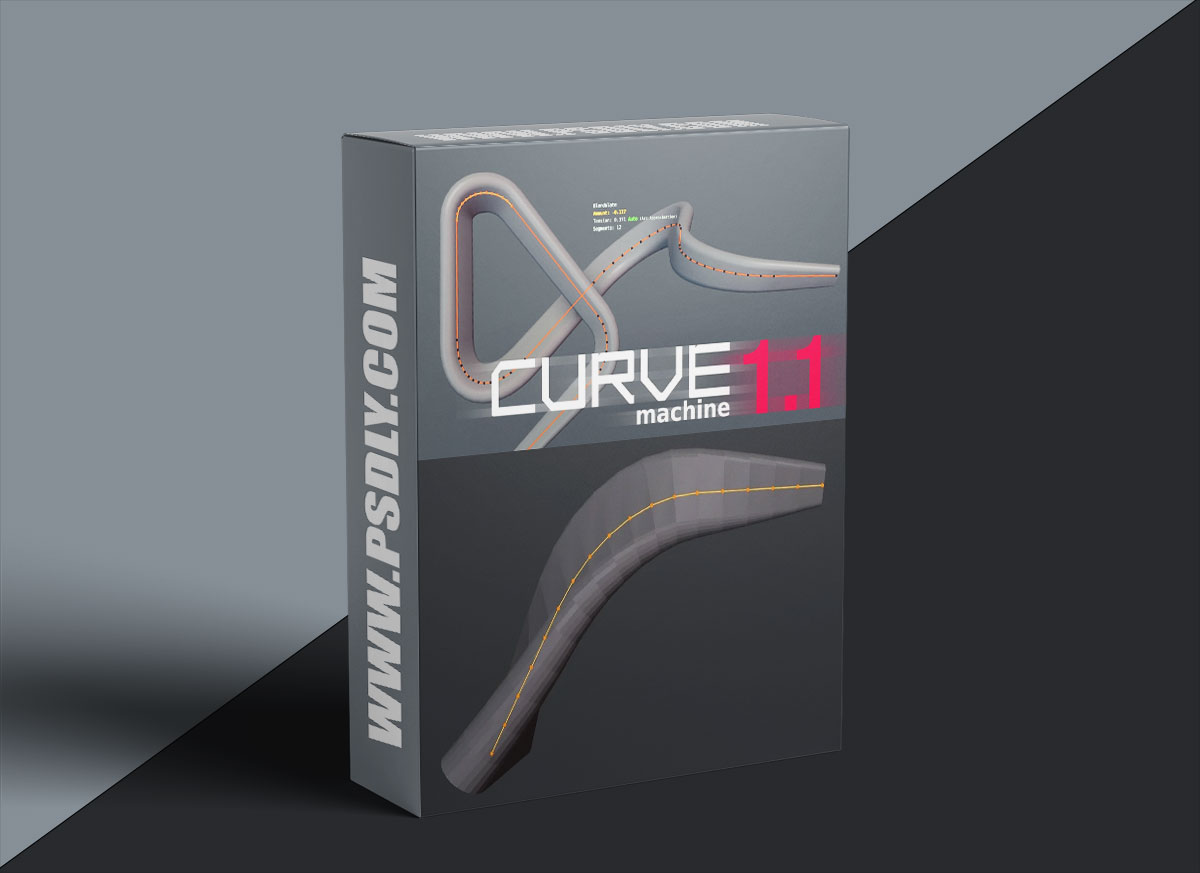
The main tool in CURVEmachine that makes this possible, is the Blendulate tool, which allows you to create curve radii/arcs (or non-circular blends), change existing ones or merge them back to a single point again.
- add a single-point poly curve at the cursor’s location to quickly start extruding a curve
- create, edit or undo curve radii or non-circular blends
- slide a curve point along its previous or next segment
- merge to the last selected point or to the center of the selection, including across two splines
- shuffle the gap of a spline to another location
- adjust curve thickness, extrusion and resolution, and toggle spline cyclicity
- interpolate curve point thickness and tilt
- connect two splines
Preview
2 images 1 / 2

2 / 2

Download File





