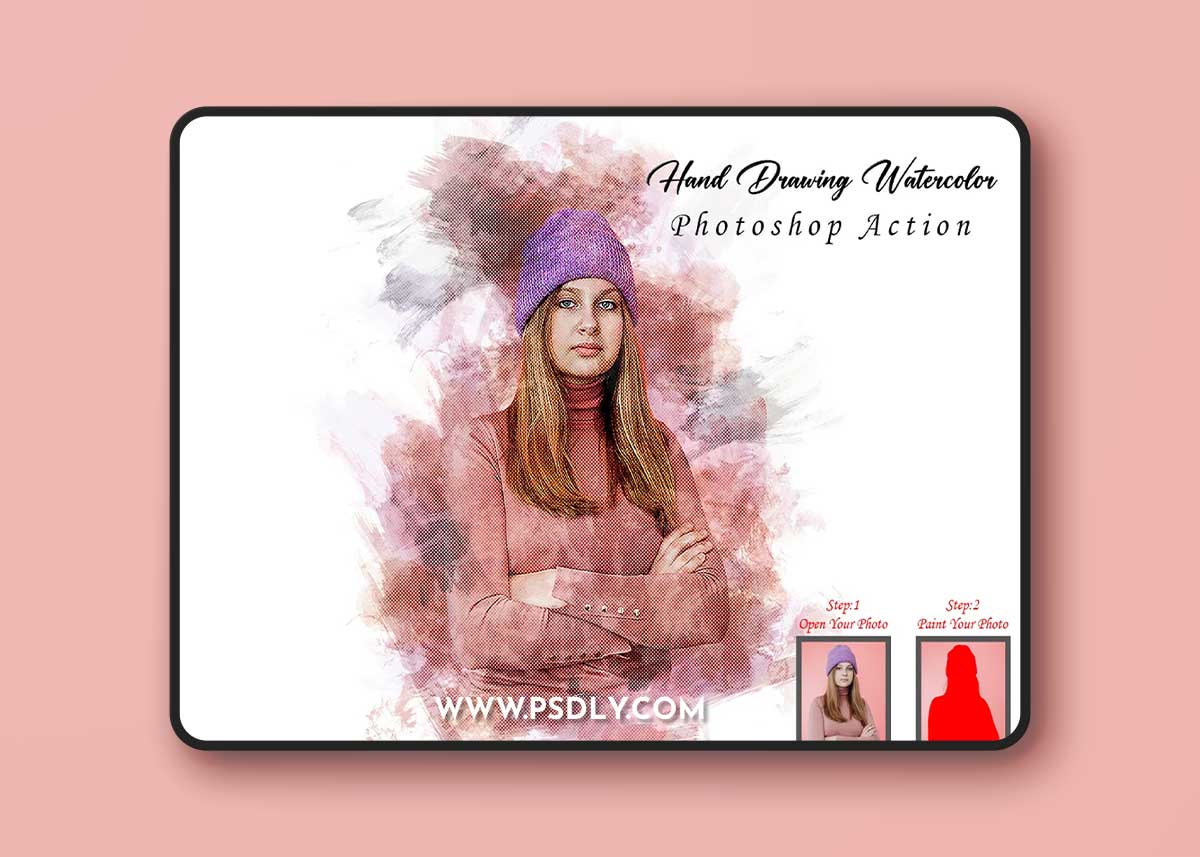
Source
https://creativemarket.com/studioretouch/10360584-Hand-Drawing-Watercolor-PS-Action
Category
File Size
35 MB
Publisher
creativemarket
Updated
October 31, 2022
Description
Most important instruction:
(1) First open an image in Photoshop. Now you need resize your image. For resize image select crop tools and go top menu bar you see W x H x Reso three blank boxes. Write W 3000px, H 2000px, Resolution 72. Expand the space around your photo for best results. Select your Background image and take crop tool from tools bar then expand all side. Then press enter button.
(2) Open your photo Create a new layer then rename “paint” (in lowercase). Then select a brush and paint your image. Close “paint” layer eye and keep selection “paint” layer then click action play button.
File Includes:
- ATN Files include (Photoshop Action File)
- Brush File
- Help File
- PDF Help File
- Masking option
- Video tutorial link in the help file
- Work on every photo.
- High quality result.
- Easy Customizable
- Organize layers
- Easy Install
- User Guide
- Easy to Use
- No photoshop skill needed
- 24 hrs. support
Preview
2 images 1 / 2

2 / 2

Download File