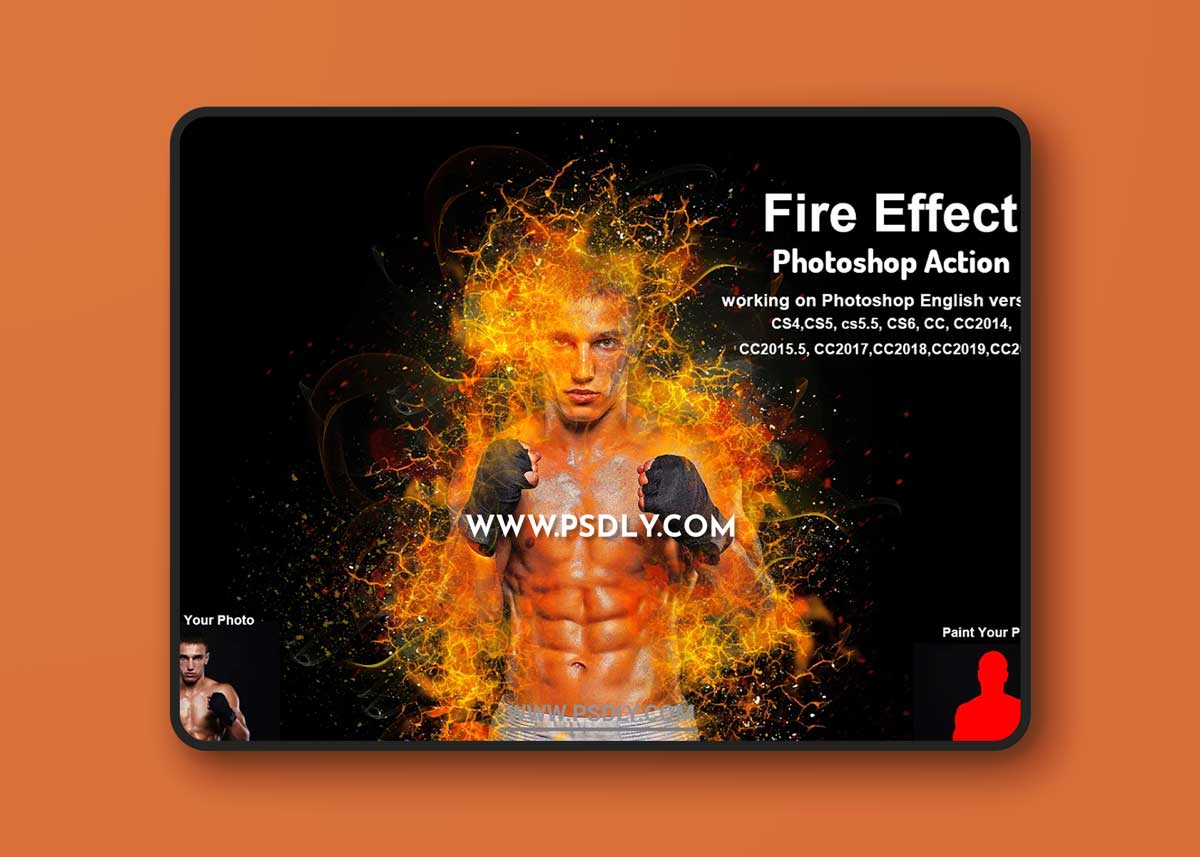
Fire Effect Photoshop Action Turns your photo into a real of a Fire Effect look. Save time of work with this action. After action finishes the work you get a well-organized and structured file with the many layers, folders, and settings to improve the final result. This set contains 10 different color option 5 Texture When you open unviewed eye.
My Working Software Version : CC2020 English Version. Software supported version: CS4,CS5, CS5.5, CS6, CC, CC2014, CC2015.5, CC2017,CC2018,CC2019,CC2020+ English Version.
Most important instruction:
(1) How to Select the Subject
In this section, we are going to make a selection of our subject and then copy the subject to a separate layer. Choose the Quick Selection Tool (W) and select the background of the photo. Use the Shift-Alt buttons on your keyboard to add or subtract areas from the selection. After you’ve made a perfect selection, press Control-Shift-I on your keyboard to invert the selection. Now go to Select Modify Smooth and set the Sample Radius to 5 px. Next, go to Select Modify Contract and set Contract By to 2 px. Finally, go to Select Modify Feather and set Feather Radius to 2 px.