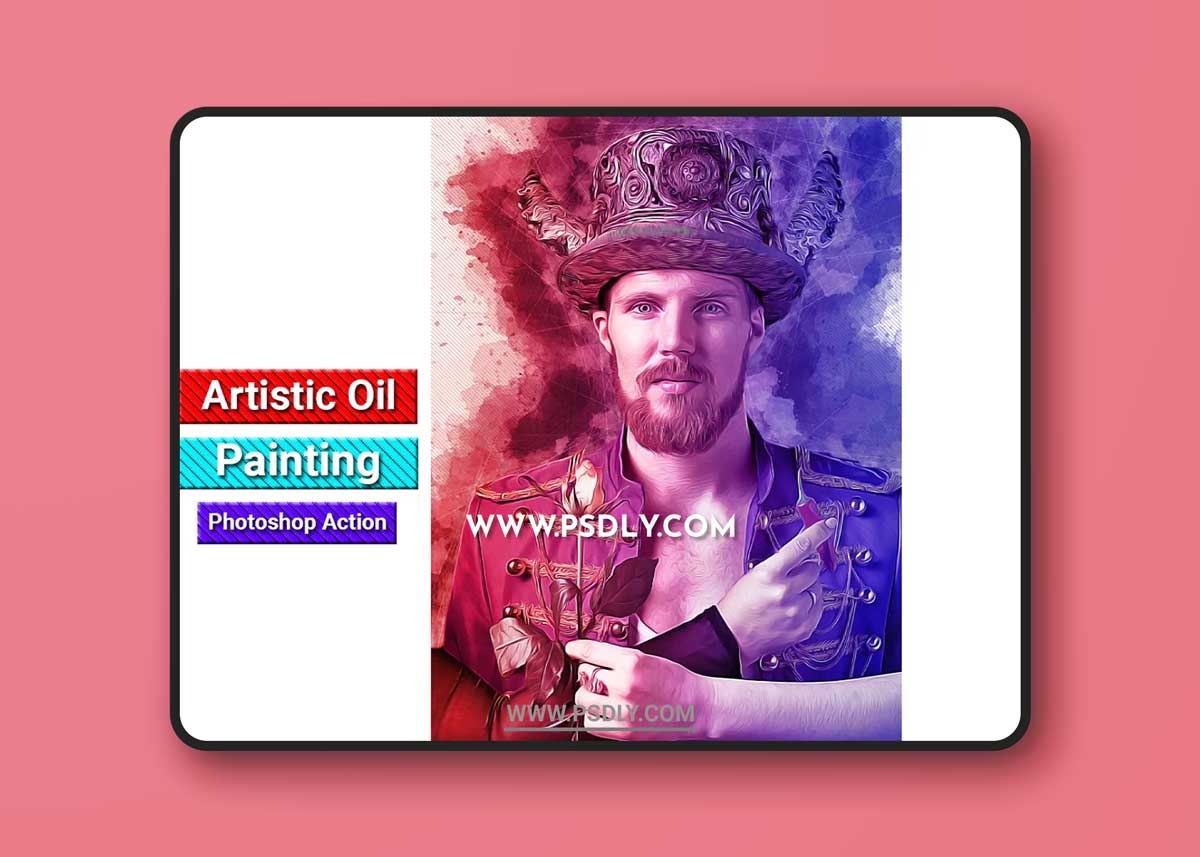
First open a photo take a new layer then rename “brush”( in lowercase). Then select a soft brush and brush your image. Close brush layer eye and select background layer Then click action play batton.
File Includes:
- ATN File include
- Brush
- Pattern
- PDF Read me First file
- Help File
- Non-destructive Workflow
- Work on every photos
- High quality result
Recommend :Use images 2000x3000px for good result
Preview images are not included
Source
https://creativemarket.com/studioretouch/4999566-Artistic-Oil-Painting-PS-Action
Category
File Size
74 MB
Publisher
creativemarket
Updated
OCTOBER 21, 2021
Preview
2 images 1 / 2

2 / 2

Download File