Source
https://blendermarket.com/products/combined-render
Category
File Size
200 KB
Publisher
blendermarket
Updated
August 24, 2024
Description
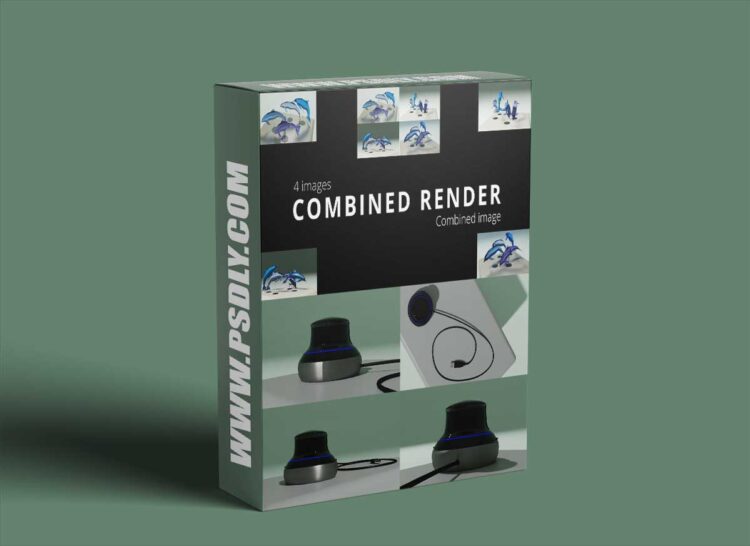
Pressing the ‘Add Cameras’ button will add a camera to each scene that was checked in the panel. You will see that for each checked scene, there is a camera added at the distance you have set previously. By pressing the ‘To Scene’ button, next to the scene name in the panel, there can be switched between scenes to make adjustments in that scene. Each checked scene, will have a collection where the camera and linked empty is located. For each scene, you adjust your camera as desired.
Preview
1 image
Download File





