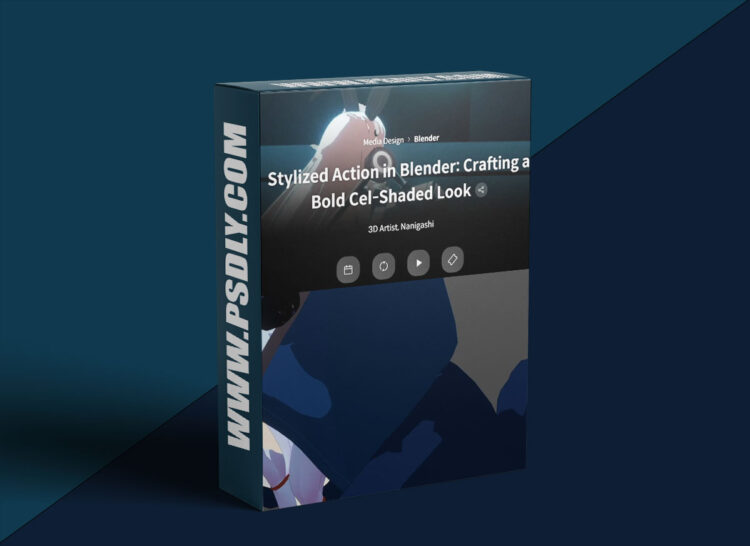
Source
https://coloso.global/en/products/3dartist-nanigashi-us
Category
File Size
16.9 GB
Publisher
coloso
Updated
May 03, 2026
Description
This class teaches how to create powerful action scenes in Blender by controlling the speed of movement. You’ll learn how to build dynamic, cel-style animations step by step, from basic motion to advanced action sequences with professional techniques.
Instructor
- 3D Artist Nanigashi
- Freelance animator
- Experience in music videos and game motion design
Class Overview
- Total Videos: 23
- Duration: 20 hours 51 minutes
- Level: Basic → Advanced
- Language: Japanese (with subtitles)
- Includes: Class materials & Blender files
What You Will Learn
- Fundamentals of animation and motion control
- How to express speed and weight in movement
- Creating cel-style (limited) animation in Blender
- Camera work and scene composition
- Action animation with weapons and effects
- Multi-character action scene creation
- Enhancing animation with visual effects
- Developing your own animation style
Key Features
- Step-by-step structured learning
- Focus on “speed of movement” for impactful scenes
- Hands-on practice with multiple projects
- Real production-style animation workflow
Class Perks
- Blender project files (actions & effects)
- 5 complete animation projects
- 7+ practical exercises
- Unlimited access to all lessons
Course Structure
Section 1: Introduction
- Instructor intro & course overview
Section 2: Animation Basics
- Understanding motion and speed
- Creating basic looping animations
- Applying speed to character movement
- Cel-shaded animation techniques
Section 3: Basic Actions
- Simple action creation
- Secondary animations
- Creating effects inside Blender
Section 4: Weapon-Based Actions
- Weapon animation basics
- Adding weight and impact
- Refinement and effects
Section 5: High-Speed Actions
- Fast-paced animation techniques
- Camerawork and blocking
- Interpolation and polishing
- Final effects
Section 6: Multi-Character Actions
- Two-character interactions
- Scene composition techniques
- Purpose-driven animation
Section 7: Complex Action Scenes
- Advanced multi-character scenes
- Timing, energy, and flow control
- Final polish and frame refinement
Section 8: Conclusion
- Final tips and creative guidance
Preview
1 image





