Source
https://coloso.global/en/products/3dartist-linograndi-us
Category
File Size
11.9 GB
Publisher
coloso
Updated
October 04, 2026
Description
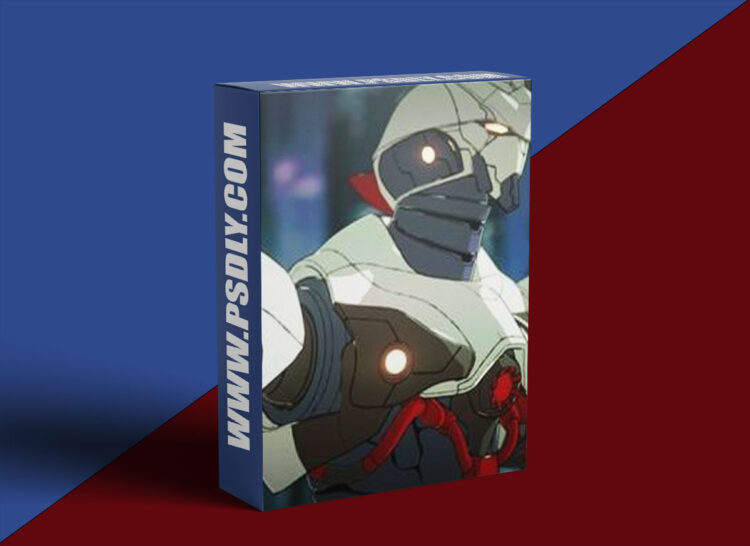
Get exclusive tips and insights into 3D Mecha Creation with OctaneRender for Blender from 3D Artist, Lino Grandi.
Curriculum
- 01. Orientation
- 02. Getting Started with OctaneRender for Blender
- 03. Toon Material & Toon Lights
- 04. Edge Tracing
- 05. Getting ready: Modeling and Toon Shading Tools
- 06. The Custom Octane Toon Material Group
- 07. Our Starting Point: The Mecha Design
- 08. Head (Part 1)
- 09. Head (Part 2)
- 10. Head and Neck (Part 3)
- 11. Body Chest (Part 1)
- 12. Body Chest (Part 2)
- 13. Body Chest (Part 3)
- 14. Body Hips
- 15. Body Abdomen
- 16. Arm (Part 1)
- 17. Arm (Part 2)
- 18. Hand
- 19. Leg (Part 1)
- 20. Leg (Part 2)
- 21. Foot
- 22. Finalizing the Model
- 23. Intro to Rigging
- 24. Rigging the Torso, Neck and Head
- 25. Rigging the Arm and the Hand
- 26. Rigging the Legs and Foot
- 27. Creating Controls for the Rig
- 28. Posing and Lighting
- 29. Ending Note
Preview
1 image
Download Files





