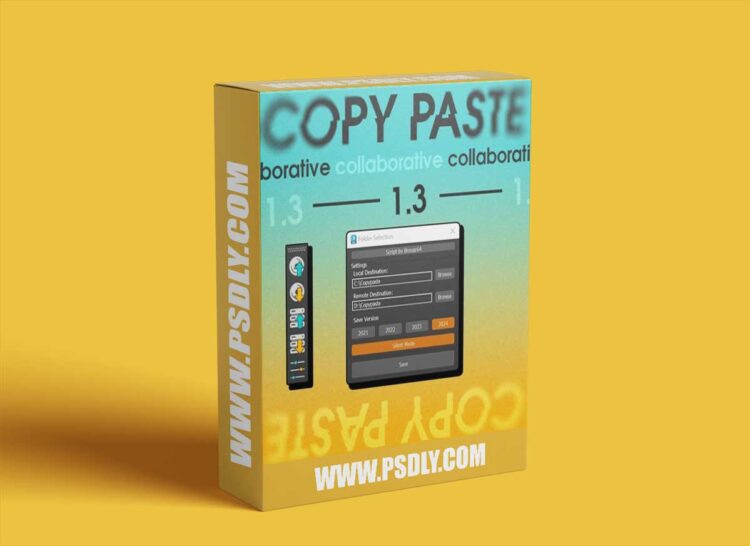
Maximize your productivity with this versatile 3ds Max script designed to streamline the copy-pasting process for 3D artists and teams. Ideal for working across multiple computers connected to the same server or transferring elements between scenes on a single machine, this script is a must-have addition to your toolkit.
Key Features:
Backward compatibility: copy and paste files between different versions of 3ds Max.
Cross-computer copy-pasting: Effortlessly copy and paste 3D elements between computers on the same server, making collaboration and resource-sharing simpler than ever.
Local copy-pasting: Easily transfer objects between different scenes on your computer, saving time and improving your workflow.
User-friendly interface: The intuitive UI makes it simple for artists of all experience levels to take advantage of the script’s powerful capabilities.
Regular updates & support: Enjoy continuous improvements and dedicated support to ensure the script remains compatible with future 3ds Max releases.
Invest in your productivity today and take your 3D projects to new heights. Download now and experience the difference!
The script operates by saving selected objects on your local computer or a server. Therefore, it’s important to specify which folders you want the script to use for saving the selected files. You’ll need to choose both a local folder and a server folder for this purpose. If you don’t have a server, you can still use the script to copy and paste files on your own computer.






