Hi, my name is Harry and I’m a professional 3d artist with over a decade of experience. I’ve worked most recently as the Studio Director of an award winning architectural visualization studio.
On Skillshare, I specialize in clear, easy to follow beginner’s classes. We’ll go through each process, step-by-step, to prevent as much confusion as possible.
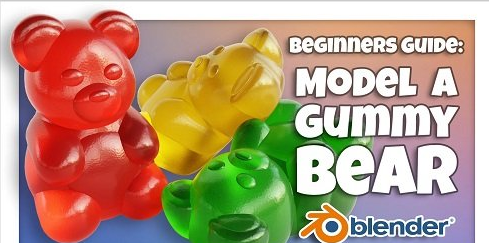
In this course, I’ll walk you through the fun and beginner friendly process of creating a gummy bear in Blender.
We’re using Blender for this tutorial, which is an amazing and totally free 3d software. The only barrier to entry is having a computer to run the software on.
A gummy bear might seem like an odd project for a beginner to start with, but it really is a perfect place to start!
In this class, you’ll learn:
- Blender Interface and Tools: We’ll learn about many basic tools and interface elements within Blender while building our gummy bear.
- Modeling: Which is how we’ll create the body of our gummy bear.
- Modifiers: That add effects to our models such as smoothing or mirroring.
- Lighting: Which we will use to illuminate our little gummy bear.
- Shading: We’ll create a colorful and transparent gummy candy material.
- Rendering: Lastly, we’ll render a final image of our gummy bear to share with our friends online.
When we’re done we’ll have a cute little gummy bear to render to our heart’s content! The process you learn in this class can easily be applied to make another gummy animal of your own choice.