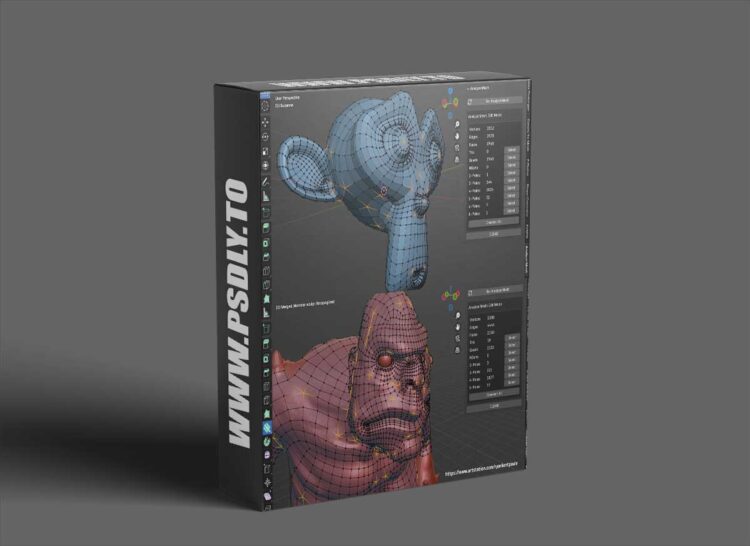
Source
https://blendermarket.com/products/analyse-mesh
Category
File Size
5 KB
Publisher
blendermarket
Updated
November 12, 2024
Description
- Simply select the object and click the Analyze Mesh button from the side tab.
- The add-on will give you a snapshot of the total number of vertices, edges, faces, tris, quads, ngons, and poles in the mesh when in Edit or Object mode.
- Once analysed, select the different mesh elements from the panel (when in Edit mode).
- Analyze in Edit or Object modes:
- In Edit mode, the add-on will analyze the base mesh elements.
- In Object mode, the add-on will analyze the entire mesh with modifiers included.
Preview
1 image
Download Files





