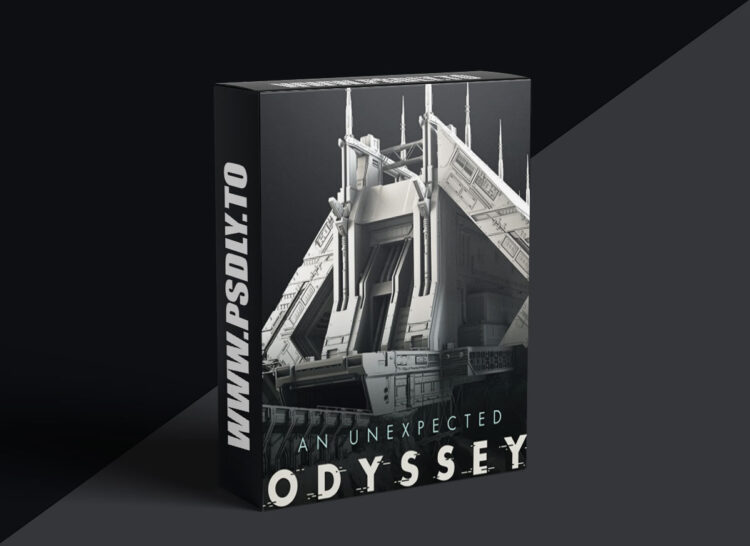
Source
https://www.artstation.com/artwork/n08Goe
Category
File Size
55.2 GB
Publisher
artstation
Updated
December 23, 2024
Description
– WHAT YOU’LL GET DIRECTLY AFTER PURCHASE –
- 1 – Introduction
- 2 – Project overview
- 2.1 – Visual analysis
- 2.2 – The power of personal projects
- 2.3 – Planning and organization
- 3.1 – Project requirements and scope
- 3.2 – Visual references
- 3.3 – Project breakdown and components
- 4.1 – Professional mindset
- 4.2 – Time management
- 4.3 – Modeling workflow
- 4.4 – Kitbashing with modular assets
- 5.1 – Automated project setup
- 5.2 – Project files and versions management
- 5.3 – Automatic backup and file versioning
- 5.4 – Benefits of project management tools
- 3d scene without Uvs and textures (.mb, .ma, .fbx, .obj)
- Clay render image 8K
- Wireframe render 8K
- Bonus wallpaper
– SNIPPETS OF VIDEO CONTENTS –
- Blocking the scene (analyze, proportions, perspective, camera)
- Modeling based on multiple references
- Creation of kitbash sci-fi panels and modular assets
- Sculpting cliffs and rocks in Zbrush
- Dealing with a huge amount of assets, how to organized them
- And a lot more…
– IMPORTANT NOTE –
It’s an intermediate tutorial and you should be already at ease with your software to correctly understand this tutorial.
– SOFTWARE USED –
Autodesk Maya, Arnold Render, Pixologic Zbrush, Quad Spinner Gaea
Preview
1 image





