Source
https://aescripts.com/meshmorph/
Category
File Size
773 KB
Publisher
aescripts
Updated
October 16, 2026
Description
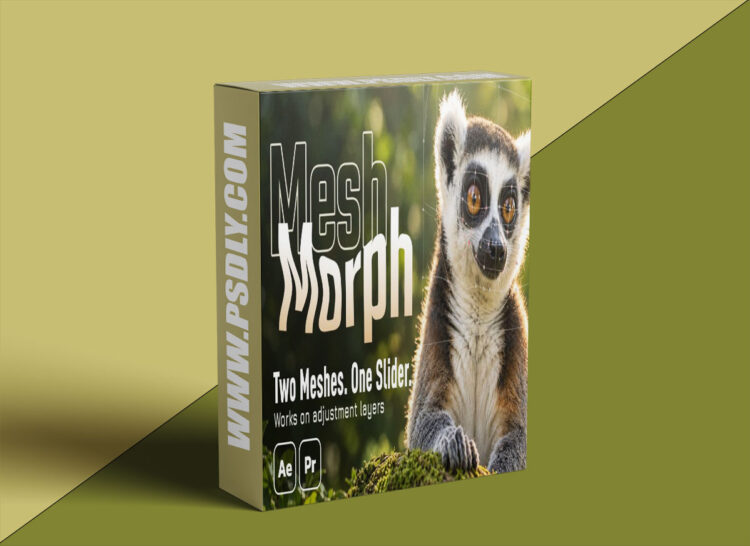
Your adjustment layer is the mesh. Drag the points of a grid to reshape everything underneath, then move, scale, rotate or make the layer 3D and the warp stays attached. Two meshes, one slider: build the finished shape once and Amount blends to it. You can also skip the adjustment layer and apply it directly to a layer, with the same features – on text and shapes, the mesh fits the letters automatically. Works in After Effects and Premiere Pro.
Preview
1 image
Download File





