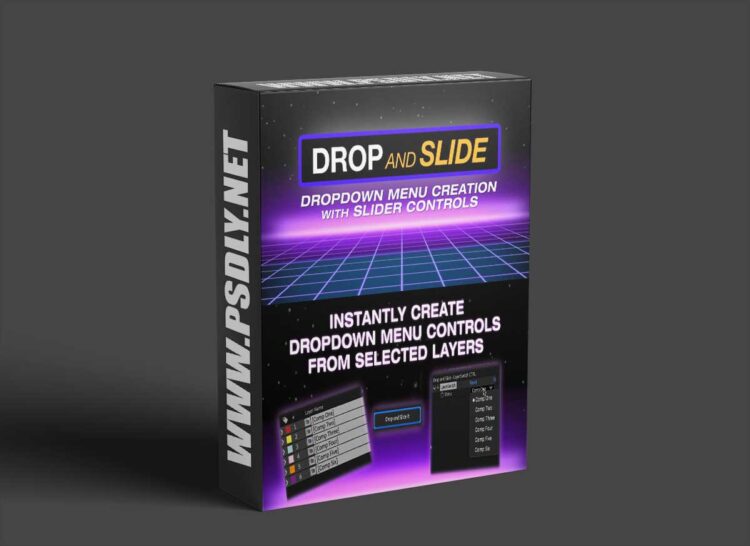
Instantly create dropdown menus with sliders to drop select layers, time remap frame selection and text display! Let Drop and Slide save you the hassle of manually creating dropdown menus and setting up the expressions. With advanced options to allow far more creative possibilities, or even for doing quick transitions between multiple layers. Very handy for making MOGRTs!
How it works:
Drop Select LayersJust select the layers you wish to control, and a Dropdown Menu Control is created on a null control layer with those names that can control Opacity, Position, Scale, or Rotation. – or all at once. Or use your own custom list of item names to use. Then with advanced options enabled, use the Dropdown Offset slider to dynamically slide-select those layers. With numerous controls to adjust the selection spread, curve, bias as well as looping.
Drop Select Time Remap Frame Selection
Using a custom list, Drop and Slide will create a dropdown menu to allow selecting frames from a dropdown menu. With advanced options to allow using a Dropdown Offset slider to dynamically slide-select frames and loop them as well. With an optional opacity expression that will fade the layer with each change.
Drop Select Source Text
Creates a text layer that will contain a list from the same selected layers, or from a custom list, and then select what to display from the created dropdown menu. Then with the advanced options, use the Dropdown Offset slider to dynamically slide select or animate with a loop. Also with an opacity expression that will fade between changes. Plus an option (basic only) for AE 2026+ to create a dropdown menu that can change text direction from the dropdown menu itself.






